
DevVault
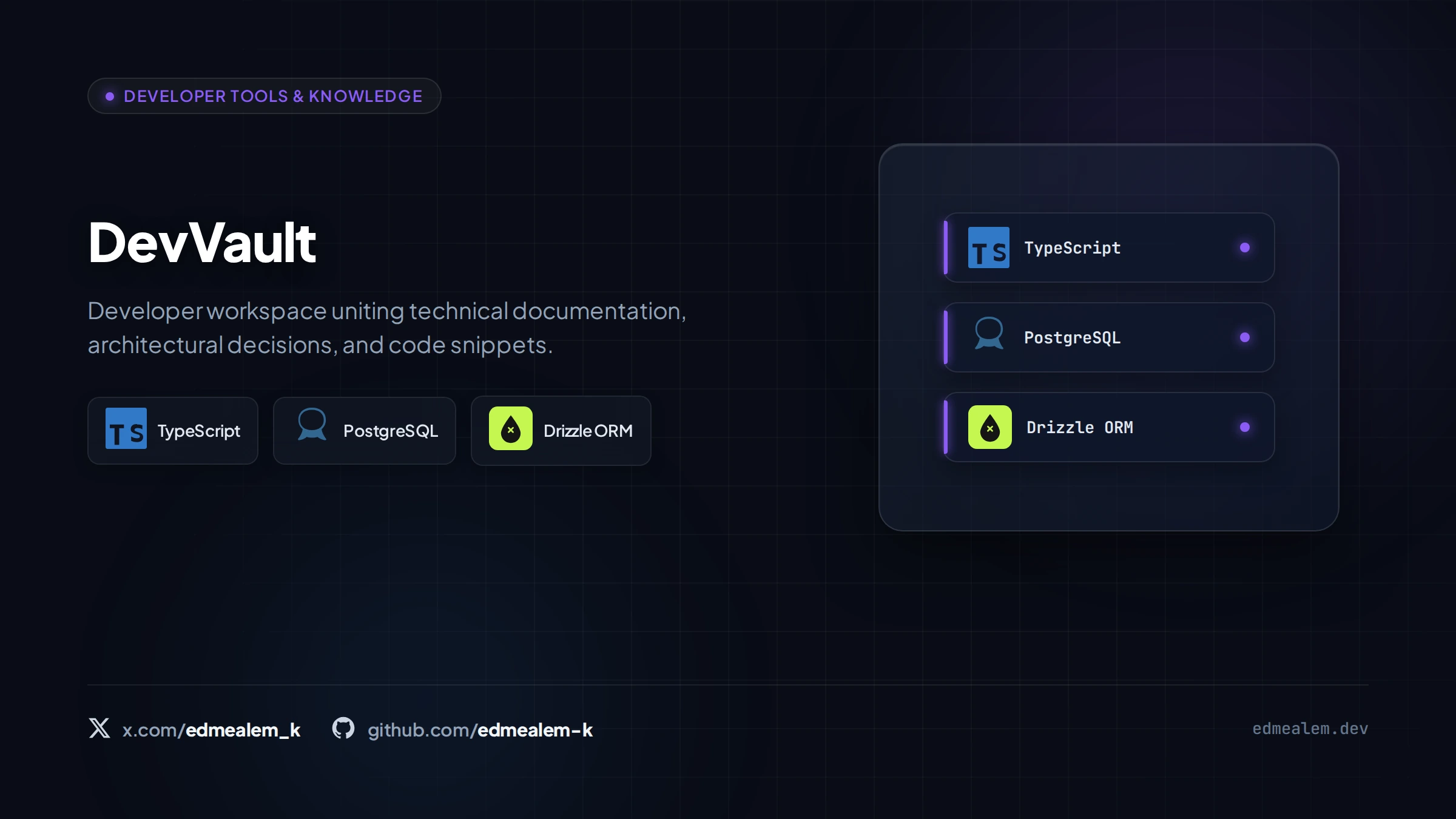
A developer knowledge workspace for connecting what I learn with what I build.
Overview
DevVault is an early-stage personal project exploring a practical problem I encounter while learning and building software: useful knowledge gets spread across notes, saved snippets, documentation, and separate project folders.
The goal is to create a place where technical notes can stay connected to the projects, concepts, and code they relate to. Instead of being only a general-purpose note-taking app, DevVault is designed around the daily needs of developers.
DevVault is currently under development. The product vision described below is a direction I'm working toward, not a list of completed features.
The problem
As developers, we regularly learn something useful and then struggle to find it later. A database query, authentication decision, architecture diagram, or debugging note can be valuable months after it was first written—but only if it remains easy to retrieve and understand.
I wanted a better way to organize those technical details around ongoing engineering work.
Product direction
The planned experience combines a few focused ideas:
- Notes organized by topic, folder, or project.
- Code snippets and technical examples with readable formatting.
- Rich-text editing suitable for technical content.
- Search across notes and snippets.
- Project-linked knowledge and related notes.
- Later exploration of backlinks, retrieval, and AI-assisted answers once the underlying knowledge system works reliably.
These are planned directions. Do not render them as shipped feature badges or completed capabilities.
Current technical foundation
The repository was initially scaffolded as a TypeScript monorepo with:
- Web: Next.js and React.
- API: Hono.
- Database: PostgreSQL with Drizzle ORM.
- Authentication foundation: Better Auth.
- Shared code: UI and configuration packages.
The initial scaffold provides architecture and authentication-related foundations. It should not be described as having a completed notes editor, comprehensive note CRUD, mature search, or an AI question-answering feature until those are verified in the latest code.
Architecture and development approach
I'm keeping the first iteration intentionally focused. The priority is to make note creation, organization, editing, and retrieval useful before introducing extra services or infrastructure.
The architecture separates the user interface, API, and database models so that core features can grow without making the system unnecessarily complex. A future indexing service, vector database extension, or AI layer would only make sense after the baseline workflows are dependable.
Engineering questions I'm exploring
Keeping editor state reliable
A technical notes application needs to preserve edits predictably. Autosave, optimistic UI updates, concurrent edits, and recovery from failed requests should be considered as first-class product behavior.
Designing useful knowledge relationships
Organization should make information easier to retrieve, not more complicated. Notes, snippets, tags, projects, and related-document links need a model that supports useful navigation without locking users into a rigid hierarchy.
Building search from real requirements
I plan to start with practical database-backed search and evaluate more advanced indexing or semantic retrieval only when it offers clear value.
Current status and next steps
DevVault is an evolving project. Near-term priorities include the fundamental notes data model, authenticated CRUD operations, a useful editor, reliable persistence, and search. Tests and documentation will be part of turning those foundations into a credible MVP.
I am deliberately avoiding claims of production readiness or completed AI capabilities at this stage.
What I'm learning
DevVault is helping me think about product design from a developer's perspective: how much structure is useful, when a new service is justified, and how small reliability details affect everyday usability.
Explore the project
- Repository: https://github.com/edmealem-k/DevVault
- Live demo: [TODO: add after deployment].
- Screenshots: [TODO: use genuine application screenshots when available].